

Quick Start
Congratulations on receiving your Pebble Tracker. This guide will help you quickly register it on the IoTeX blockchain and get started with using it.Unboxing
Before turning on your Pebble Tracker, let’s take a look at what’s in the box:
Finding a SIM Card
Pebble Tracker connectivity supports both LTE-M and Narrowband-IoT cellular technologies, which provide radio bands that are optimised for IoT applications like smart metering, industrial controls, residential security, etc. IoTeX has partnered with 1NCE, an IoT SIM cards provider that covers over 100 countries and regions globally, providing a convenient data plan: if your country is covered, you can buy a Pebble-ready SIM card on the dedicated IoTeX “Autobahn.earth” portal: https://autobahn.earth/ If your country is not currently covered by the 1NCE network, below are some useful information for you to find a working SIM card for your Pebble Tracker:Is your country covered by the Narrowband-IoT network?Please check if either NB-IoT or LTE-M is available in your Country on the gsma website. Once you know which technology is supported, please find a local or international provider where you can buy a SIM card that supports the correct technology for your country.
Make sure the IoT SIM card you buy supports either NB-IoT or LTE-MPlease notice that Pebble tracker does not support GSM, 3G, or 4G bands:
make sure your SIM card provider supports either NB-IoT or LTE-M or both in your country.
make sure your SIM card provider supports either NB-IoT or LTE-M or both in your country.
Installing the SIM card
Once you have a SIM card, use a paperclip or the provided SIM card tool to open the SIM slot and push the card inside:
Turn On Your Pebble Tracker
- Press and hold the power/confirm button located on the right side of the Pebble Tracker.
- Continue holding until the IoTeX logo appears on the screen.
Check the Software Version
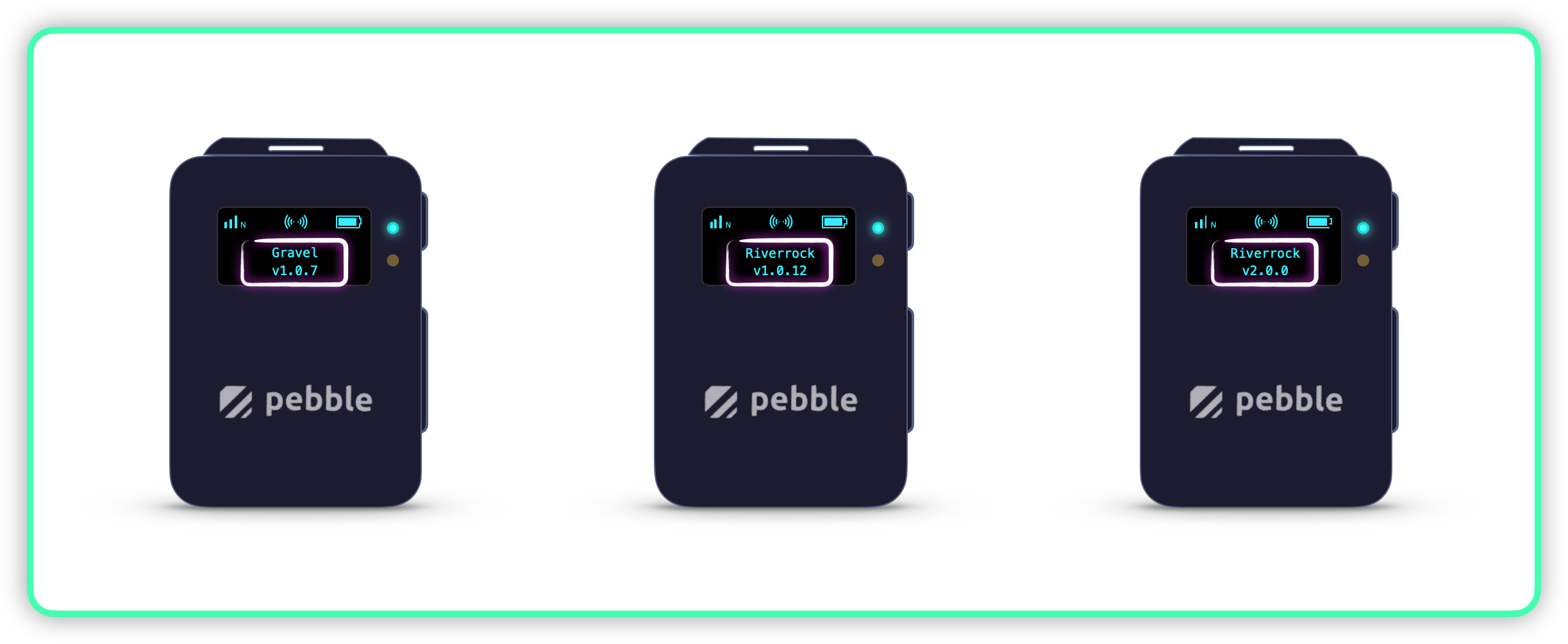
- Once the device is powered on, check the software version displayed on the screen.
Proceed with Device Registration